How to Send WhatsApp Messages from Your Computer
Fact-checked on
In this article
You can use WhatsApp on your computer so you can type with a full keyboard while your phone stays in your pocket. There are two easy ways: WhatsApp Web (in your browser) and the WhatsApp desktop app. Both link to the account on your phone.
Option 1: WhatsApp Web (Browser)
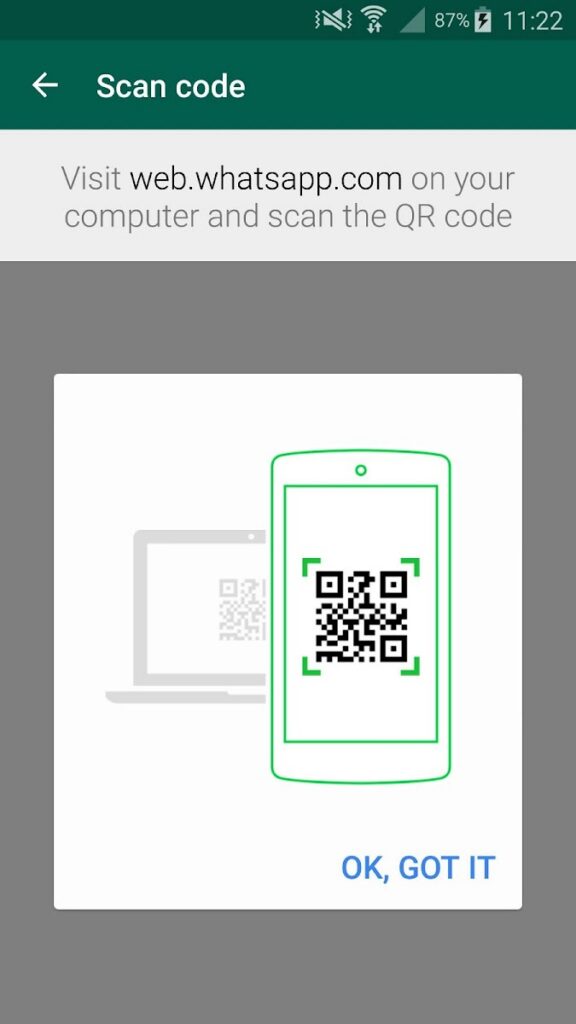
- On your computer, go to https://web.whatsapp.com/. A QR code appears.
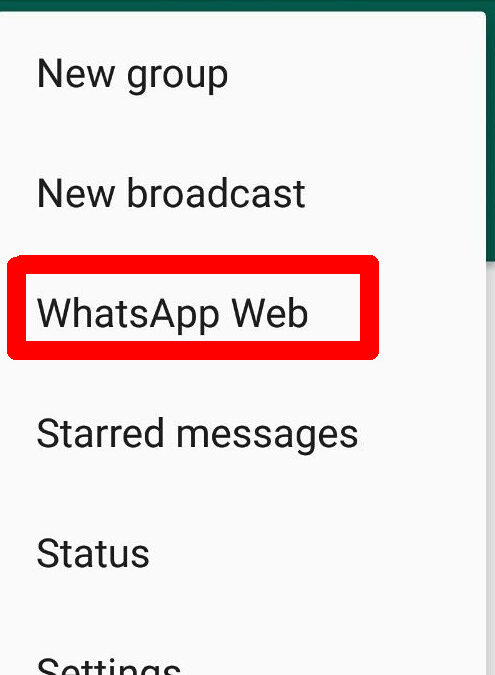
- On your phone, open WhatsApp and tap the menu (three dots on Android, or Settings on iPhone), then tap Linked devices.
- Tap Link a device and point your phone’s camera at the QR code on the computer screen.
- Your chats open on the computer and stay in sync with your phone.
Option 2: WhatsApp Desktop App
You can also install the free WhatsApp desktop app for Windows or Mac and link it the same way (through Linked devices). It works much like WhatsApp Web but runs as its own program.
Thanks to multi-device support, linked computers keep working even when your phone is switched off or out of network — though your phone does need to go online at least once every couple of weeks to stay linked. Always log out of (unlink) any shared or public computer when you finish.