Lipa na M-PESA Charges: PayBill, Buy Goods and How to Check Fees
Fact-checked on
In this article
Lipa na M-PESA charges depend on whether you are paying a PayBill, a Buy Goods Till or making another type of transaction. A charge paid by the business is not necessarily a charge paid by the customer.
For ordinary Buy Goods payments, Safaricom says customers are not charged, except for payments at authorised fuel stations. PayBill fees depend on the tariff arrangement selected for that business.
Buy Goods charges
Safaricom’s current Buy Goods information says the business Till can be charged up to 0.55% of the amount collected, capped at KSh 200 per transaction. This is the merchant’s collection charge, not a fee to add automatically to every customer’s bill.
The customer normally pays no M-PESA transaction charge for a Buy Goods payment. The published exception is fuel-station payments, where the applicable transaction charge is borne by the paying customer.
Payments made out of a business Till, transfers to a mobile number and cash withdrawals have separate tariffs. A free customer purchase does not mean every movement of money through that Till is free.
PayBill: who pays the fee?
Safaricom’s standard PayBill tariff identifies three arrangements:
| Arrangement | Who bears the published charge? |
|---|---|
| Mgao tariff | The customer and business share the charge according to the amount band. |
| Business Bouquet | The customer pays the charge; the business is not charged under that arrangement. |
| Customer Bouquet | The business pays; the customer is not charged under that arrangement. |
The word “PayBill” alone does not tell you which arrangement applies. Confirm the charge for the particular business and amount rather than applying a transfer-to-mobile tariff.
Examples from the published standard PayBill tariff
| Amount paid | Customer charge under Mgao | Customer charge under Business Bouquet | Customer charge under Customer Bouquet |
|---|---|---|---|
| KSh 1,000 | KSh 10 | KSh 10 | KSh 0 |
| KSh 5,000 | KSh 16 | KSh 34 | KSh 0 |
These are customer-side examples from the standard published tariff, not the total customer-plus-business charge. Product-specific or agreed business terms may differ; check the applicable arrangement before relying on an example.
How to check before paying
- Establish whether the business gave you a PayBill or a Buy Goods Till. They are different payment options.
- Open Safaricom’s official M-PESA Charges page or its M-PESA Tools page and select the relevant transaction-cost information.
- Check the amount band and, for a PayBill, the customer’s side of the applicable tariff arrangement.
- Use the business’s independently verified number and the correct account reference where required.
- Review the details and any fee information displayed before authorising payment. If the charge is unclear or conflicts with the published terms, ask Safaricom or the business to clarify rather than guessing.
- Keep the payment confirmation and check that the intended recipient received the payment.
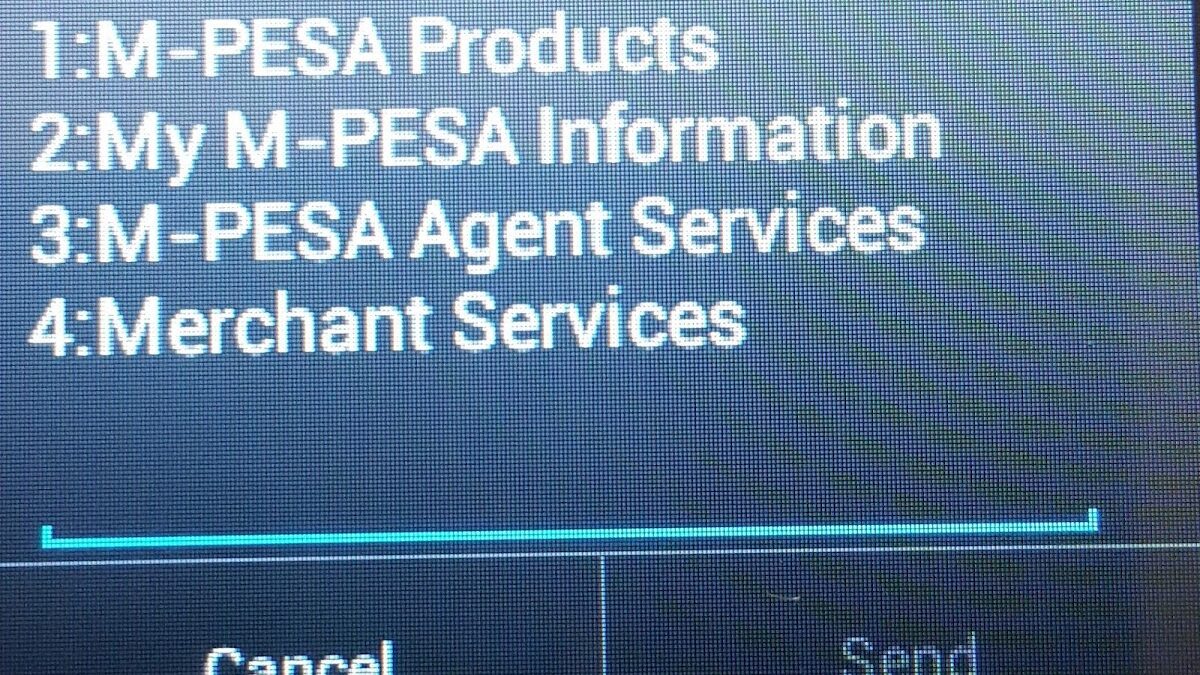
Safaricom lists the M-PESA app, SIM Toolkit and *334# as payment channels. Follow the current displayed menu; do not rely on fixed option numbers from an older screenshot.
Historical tariff-query screenshots
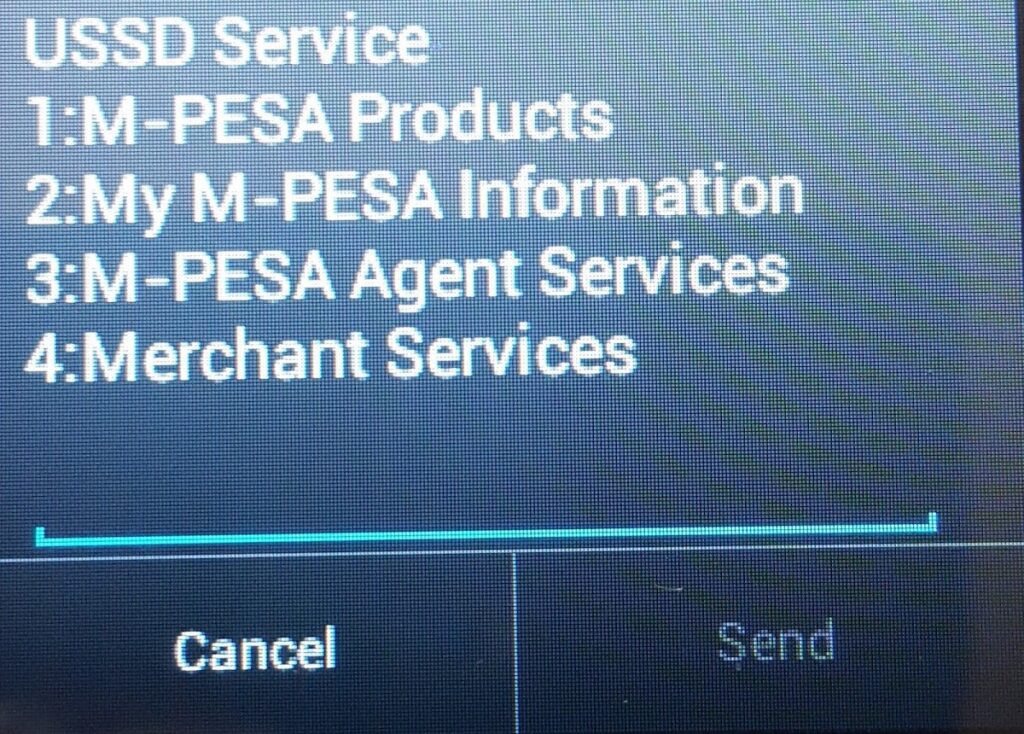
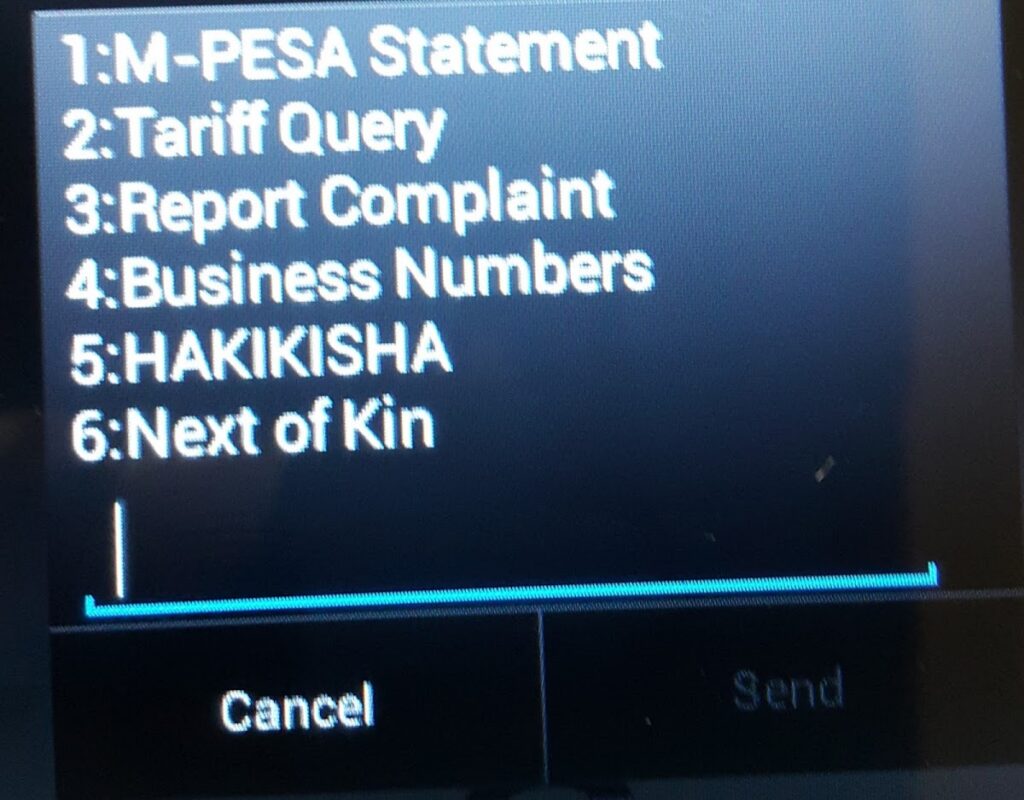
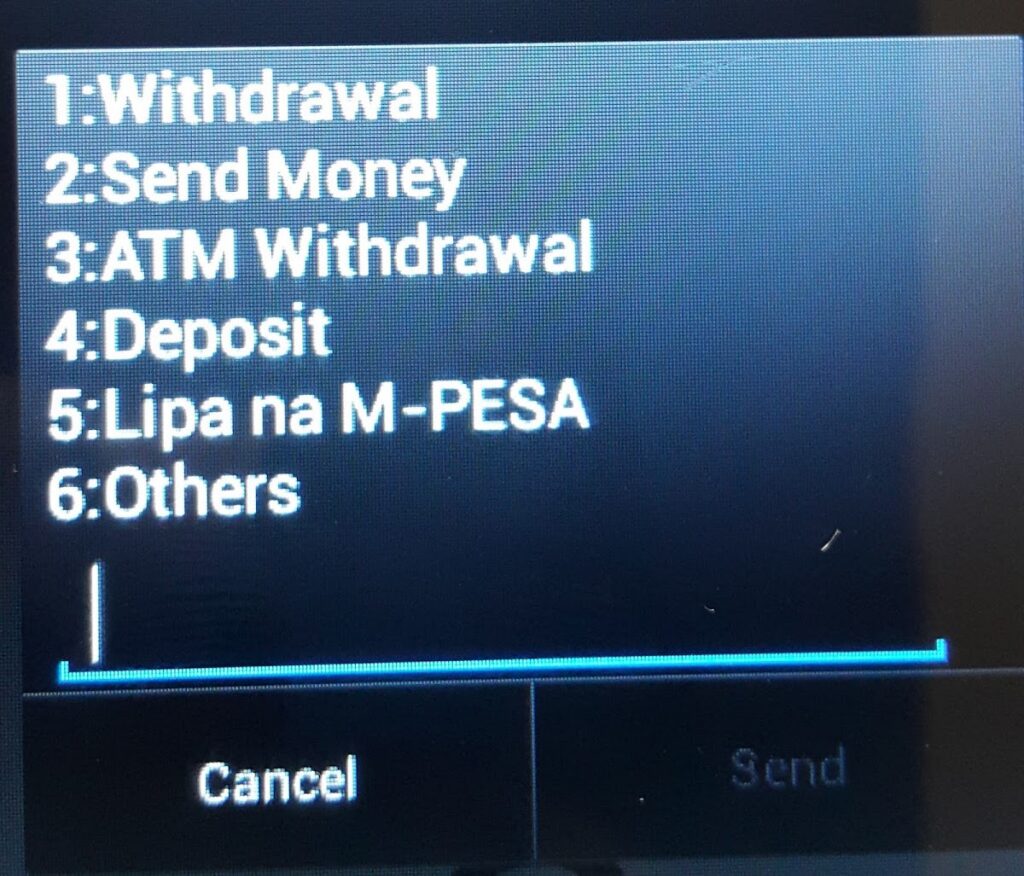
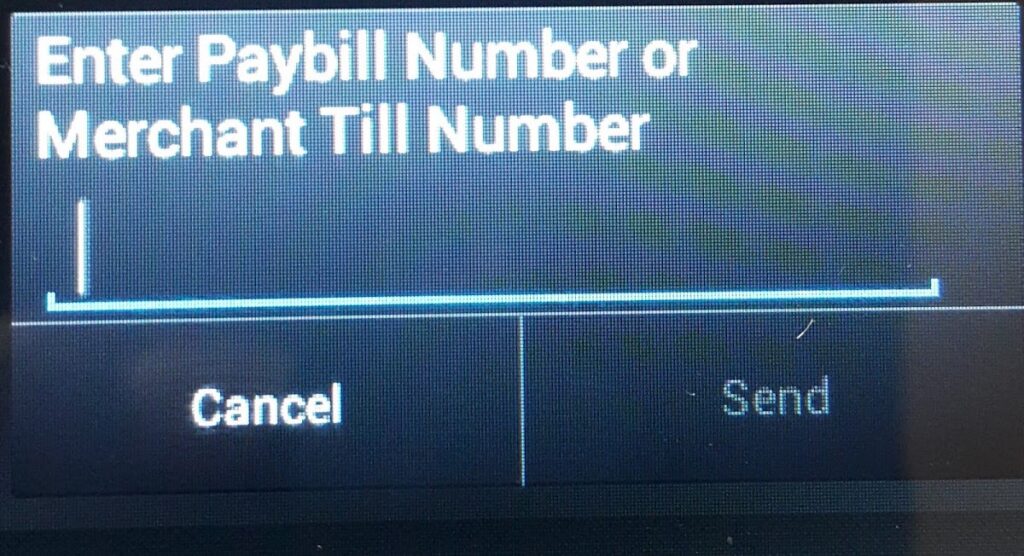
The four images below show the former *234# tariff-query workflow. They are retained as historical illustrations only. The exact old sequence has not been confirmed as a current service and is not recommended here as a guaranteed way to obtain a live quotation.
Tip: Read the heading above a tariff table carefully. A business-to-PayBill transaction is not automatically priced like a customer’s PayBill payment, even when both involve the same receiving number.